
THE VOIDROOM COMMUNITY
Little moments. Shared worlds.
A new creation. A good game. A familiar face. See what your people are making.
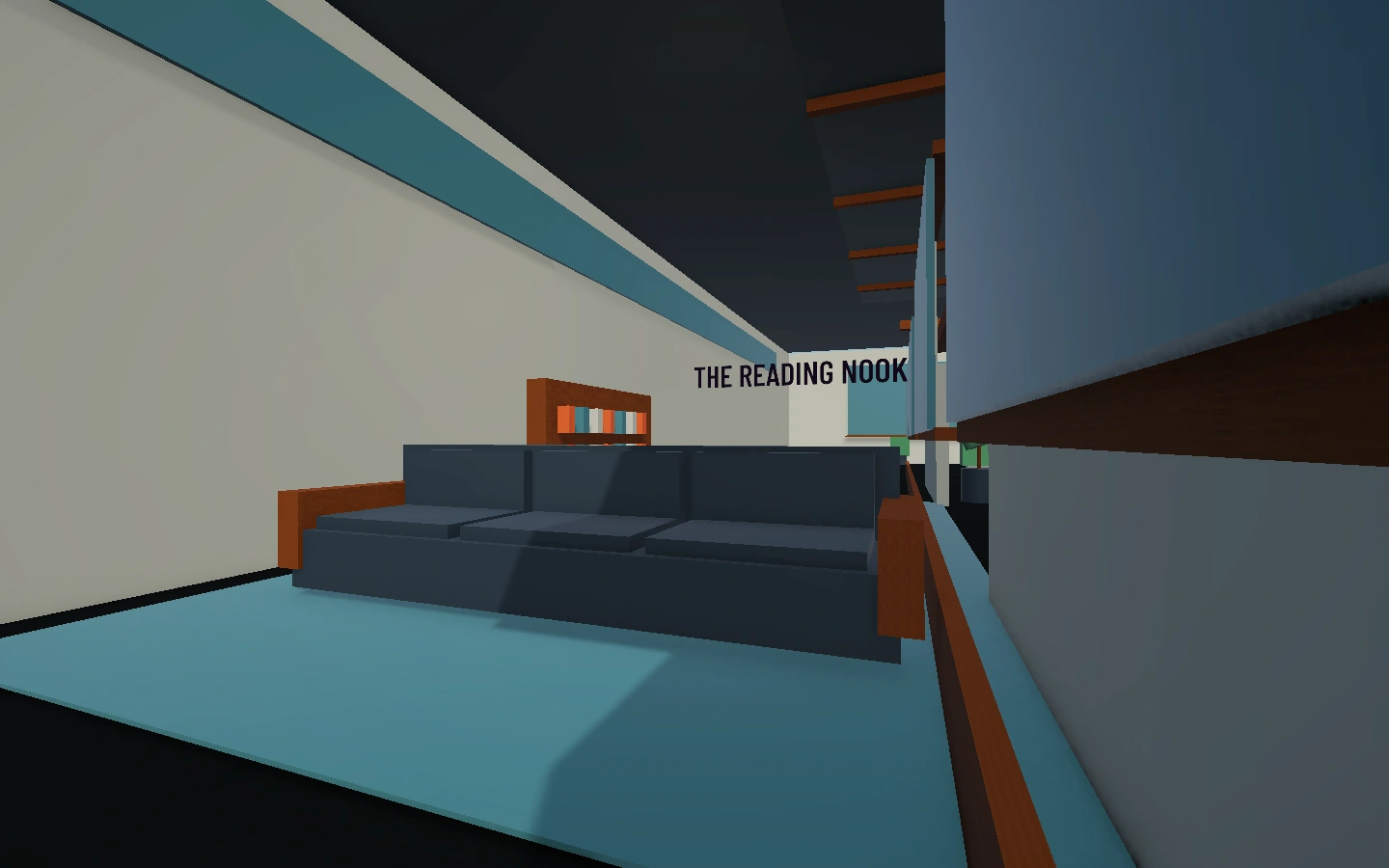 FIND YOUR NEXT MOMENTStep into a room
 PLAYER MOMENTS
From the community
Something worth sharing?A thought, a new room, a good game.Write an update
A QUICK GUIDE TO SHARING
A moment worth keeping.
Share camera is available on Windows and Meta Quest. Install the latest update for your device, then capture a moment and choose who can see it.
Windows downloads ↓Get VoidRoom on Meta Quest ↗
Read the release notes →
- 01
Frame it in the game.
Open Share camera from your profile. Room owners can turn it off, so check that the room allows sharing.
- 02
Make it your choice.
Review your photo and choose Only me, Friends or Everyone. Private photos stay visible to you.
- 03
Share the memory.
Request a friend’s tag after saving. Their name appears only after approval, and they can remove it later.
Room camera settings control sharing through VoidRoom. They cannot prevent device screenshots.