
FROM THE GAME
Movement and room permissions
Crouch, go prone and slide into play, with configurable sprint controls and verified room roles.
0.1.0-stance-preview-20261011
THE DETAILS
What changed.
- Crouch, go prone or slide while sprinting. In the latest preview, use C for crouch and Z for prone or sliding; controller B cycles available stances outside menus and Maker Pen.
- First-person and third-person camera changes move smoothly. Crouch, prone and slide poses are shared with other players.
- Choose Hold or Press-to-toggle sprint in Controls. Personal movement options respect the active room rules.
- The Game Mode chip has Movement and Slide pages for sprint, slide, crouch, prone, jump, slide speed and slide duration.
- Verified room and global VRC.LOL roles appear on nameplates with role icons. The website account badge uses the same central staff roles.
- Contributors build. Co-owners build, publish and manage lower room roles. The original room owner and higher global staff stay protected.
- Room moderators can remove a player for five minutes, ban them from the room, or restore access. Each action asks you to confirm the player first.
- Room permission panels fit smaller screens and keep the selected room and account in view.
- Join the hosted Clubhouse from Quick Play or the room browser. Game downloads include the automatic updater.
Before you jump in
VoidRoom is still in development. Share bugs and suggestions with us on Discord.
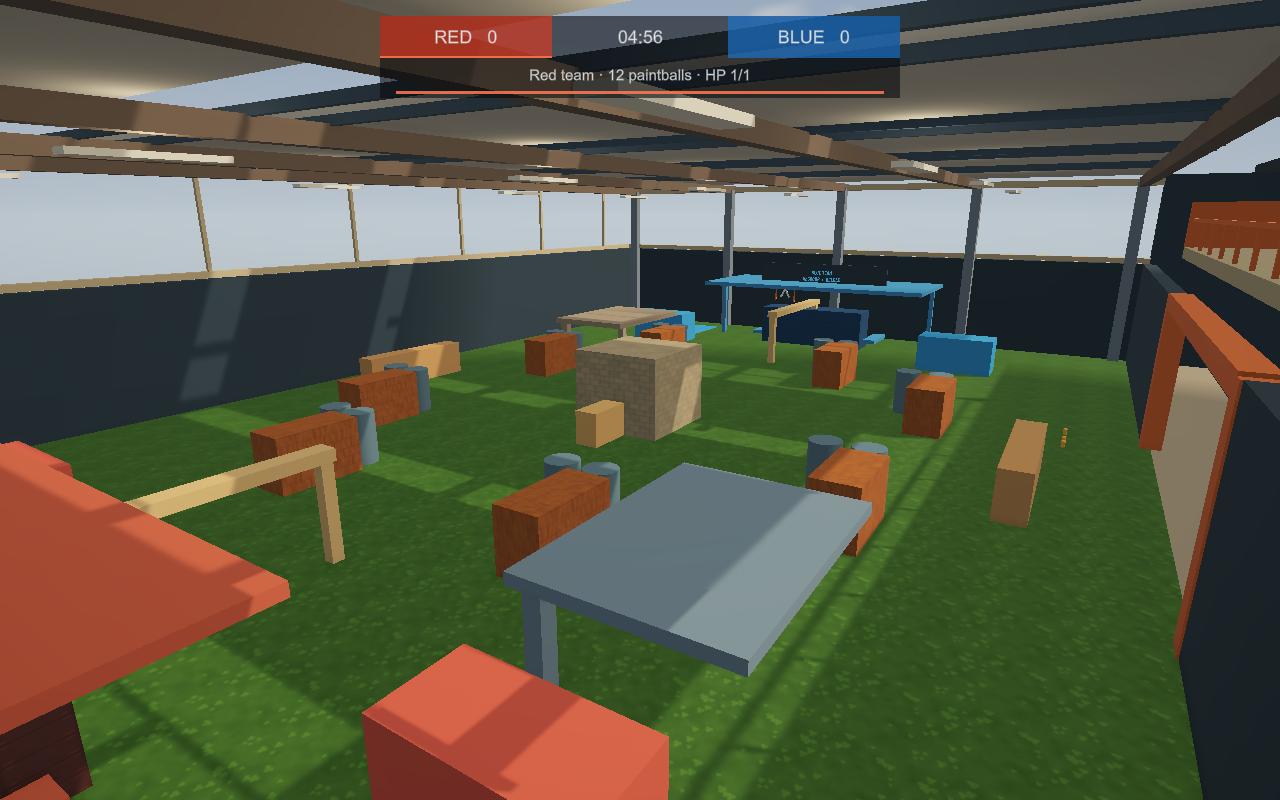
The Clubhouse is the shared starting room. Create your own Paintball Yard from Build → New Paintball Yard.
Download the latest preview from the current release card. Earlier updates stay here so you can see what has changed.
KEEP THE CONVERSATION GOING
Questions, feedback, or a bug?
Discuss this release in the VoidRoom update channel. Include your game version when reporting a problem.